
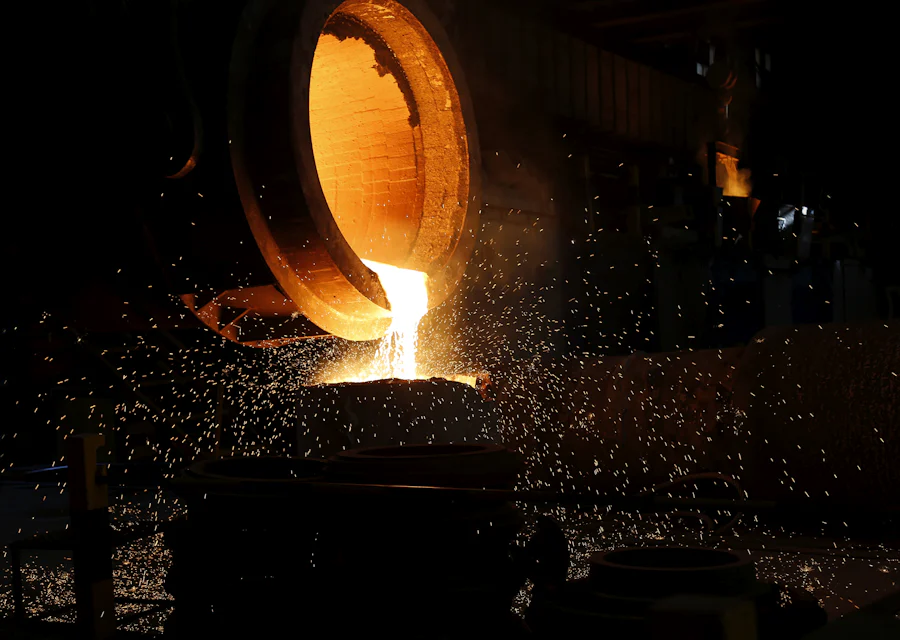
Foundry ERP software records each stage of casting production, from order and pattern to charge mix, heat, pouring, fettling, job-work, inspection and dispatch, and links them by heat number. You see what was melted, what was poured, what came out good and where every casting is now. That gives you real yield and traceability instead of month-end estimates.
What foundry ERP software records, stage by stage
A foundry is a chain of stages, and each stage changes weight. Metal is charged, melted, tapped and poured. Castings come out with runners and risers, get knocked out, shot blasted and fettled, then may go outside for machining or heat treatment. At each step, weight and count change, and that is exactly where most foundries lose track.
This guide follows one order through the foundry and explains what foundry ERP software records at each stage. The idea is simple: record a few numbers at the right moment, and the system connects them for you.
Stage 1: order, pattern and planning
Work starts with a customer order: casting part number, grade, quantity and delivery date. The ERP links the order to the pattern and to the casting master, which holds the standard casting weight, the poured weight per mould (casting plus gating) and the number of cavities.
The pattern register is the first control point. For every pattern, the ERP can hold:
- Pattern number, part, customer and whether the pattern is customer-owned or your own.
- Current location: pattern shop, moulding line, under repair or at the customer.
- Condition and repair history.
- Usage count, such as moulds made, so you know when it needs attention.
When planning sees the pattern is under repair, it knows the order cannot be moulded this week, before the moulding line finds out the hard way.
Stage 2: charge mix and melting
Each heat gets a heat number. The melter or furnace supervisor records the charge mix from a phone near the furnace: bought scrap, pig iron, foundry returns (runners, risers and rejected castings) and ferro-alloys, each with weight. The ERP issues these from stock, so scrap and alloy stock stay accurate without a separate register.
Further entries for the heat include furnace, shift, start and tap times, tap weight and spectro results with any corrections made. From charge weight and tap weight, the system calculates melting loss for that heat. Over weeks, this shows which furnace, shift or scrap source gives higher loss.
Stage 3: moulding and pouring
The moulding line records how many moulds or boxes were made for each pattern. At pouring, the ladle entries link moulds to the heat number. Now the ERP knows that heat 245 poured, for example, 40 boxes of one pattern and 25 of another. This is the link that makes traceability possible later.
Poured weight comes from the casting master: moulds poured times poured weight per mould. Any metal left over is recorded as pig or returns to stock.
Stage 4: knockout, shot blasting and fettling
After cooling, castings are knocked out. Runners and risers are removed and go back to the store as foundry returns, ready for a future charge. Castings move to shot blasting and fettling, where grinding and finishing happen. The ERP records good castings, castings for rework and castings rejected at this stage, by count and weight.
This is where yield becomes visible. Yield compares good casting weight with metal poured. When the ERP has both numbers per pattern and per heat, you can see which patterns use too much metal in gating and feeding. Fettling done on contract can be recorded per contractor with count and weight, which also helps settle their bills.
Stage 5: job-work by weight and count
Many foundries send castings outside for fettling, machining, heat treatment or painting. Each movement needs an outward challan and an inward receipt. Under GST, goods sent for job-work go on a delivery challan and are reported in the ITC-04 return, so clean records matter.
Foundry job-work is tricky because both weight and count can change. Machining removes material. A few castings may be rejected at the job worker. The ERP records outward and inward by both count and weight, against each challan, and shows the balance pending with each party. Allowed weight loss for machining can be set per item, so real shortages stand out.
Stage 6: inspection, traceability and dispatch
Final inspection records dimensional checks, visual defects and any test results your customer needs. Because every casting batch is linked to its heat, the inspection report can show the heat number and spectro result alongside. When the castings are packed and dispatched, the invoice and packing list carry the heat numbers too.
If a customer reports a problem months later, you can trace from their invoice to the heat, the charge mix, the chemistry and the inspection record in a few clicks.
What gets recorded where
| Stage | Who enters | Key records in foundry ERP software |
|---|---|---|
| Order and pattern | Sales and planning | Part, grade, quantity, pattern location and condition |
| Charge mix and melting | Melter or furnace supervisor | Heat number, charge materials and weights, tap weight, spectro |
| Moulding and pouring | Moulding supervisor | Moulds per pattern, heat poured into each |
| Knockout and fettling | Fettling supervisor | Good, rework and rejected castings, returns to store |
| Job-work | Stores or dispatch | Outward and inward by count and weight, per challan |
| Inspection and dispatch | Quality and dispatch | Inspection result, heat numbers on packing list and invoice |
Gaps a foundry ERP should close
Most foundries do not lack effort. They lack connected numbers. When you look at foundry ERP software, check that it closes these common gaps:
- Charge mix written but not issued: scrap and alloy stock drift because the heat sheet never reduces the store balance.
- Pouring not linked to heats: castings cannot be traced once they leave the moulding line.
- Returns not counted: runners and risers pile up in the yard with no weight on record.
- Patterns lost: a customer-owned pattern is found missing only when a repeat order arrives.
- Job-work settled by trust: weight differences with fettlers and machinists are discussed, not measured.
Each of these can be fixed with a short entry from the floor, made at the right moment, by the person who already knows the number.
Rejections and cost per casting
Foundry ERP software also records rejections by defect and calculates cost per casting from charge mix, melting loss, yield and job-work charges. These two topics deserve their own discussion, so we cover them in our separate casting rejection and costing guide.
How to roll out foundry ERP
- Set up items, grades, casting masters with weights, and the pattern register.
- Start with heat records: charge mix, tap weight and spectro.
- Link moulding and pouring entries to heat numbers.
- Add fettling output and foundry returns to stock.
- Move job-work challans into the system, by count and weight.
- Add inspection and dispatch with heat numbers on documents.
Foundries that also machine castings in-house can see our engineering ERP page for job cards and machine planning.
Next step
Pinakexa is an industry-ready cloud ERP that we configure for grey iron, SG iron, steel and non-ferrous foundries. Supervisors enter heats and fettling from a phone browser, so no computer is needed on the floor. See what we cover on our foundry ERP page, or book a free demo and bring a recent heat sheet to map with us.


