
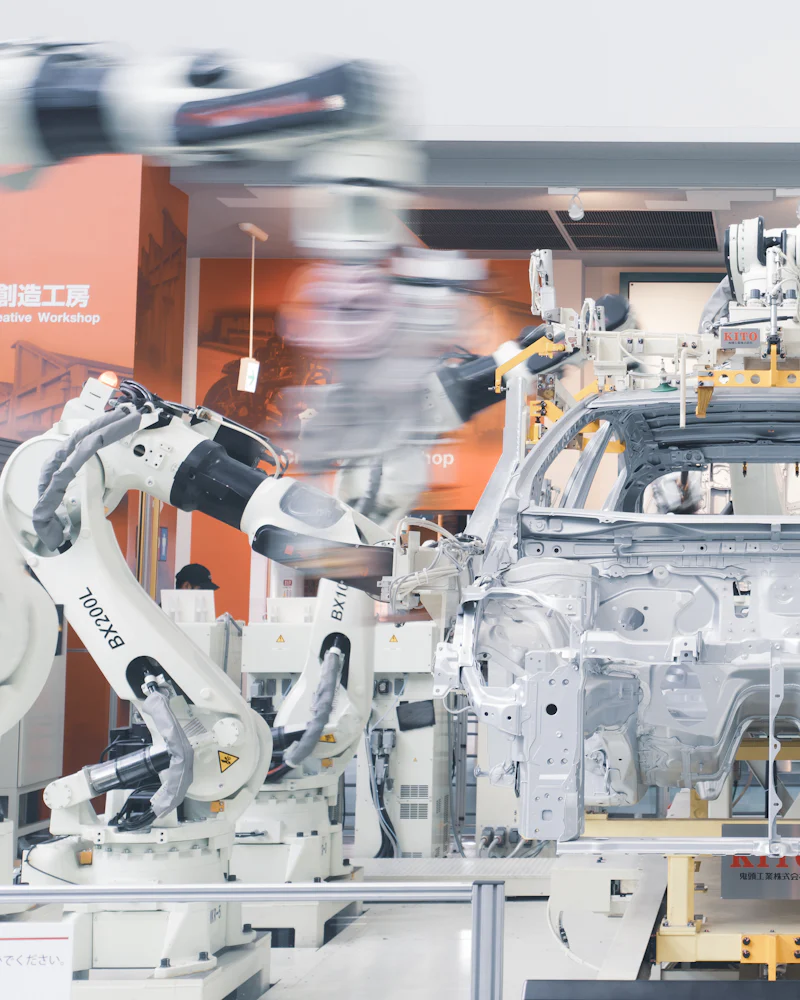
Auto component ERP software helps suppliers meet changing OEM schedules, run each part through its correct routing, catch defects early and trace any lot back to its raw material. For an auto parts maker, these four areas decide whether customers keep giving you business. One connected system replaces the Excel plans, inspection files and registers that usually hold this data.
Why auto component ERP software is a special case
Auto component manufacturers work under tighter customer control than most industries. OEMs and tier-one buyers send delivery schedules that change often, expect parts exactly on time, track the quality of every supply and may ask at short notice where a particular lot came from.
A general ERP can record purchases, stock and invoices. Auto component ERP software has to go further: it must follow schedules part by part, know the operation sequence of each part, record quality at each stage and keep the link from finished lot back to raw material heat. Pinakexa is an industry-ready cloud ERP that we configure for machining units, forging and pressing shops, fastener makers and other suppliers to the auto sector.
Following OEM schedules
Most OEM customers share a monthly schedule with weekly or daily call-offs, and revise it as their own production changes. If your plan is in Excel, every revision means rework, and an old number can easily reach the shop floor.
- Schedule entry by customer and part: each schedule and every revision is recorded, with the date it was received.
- Due vs dispatched: a live view of what is due this week and what has gone, part by part.
- Backlog and advance: parts behind schedule are highlighted, and early supplies are visible too.
- Material check: the raw material and bought-out parts needed for the schedule are compared with stock.
- Production plan: the schedule turns into a part-wise, machine-wise plan for each shift.
Part-wise routing and production
Every part follows a sequence of operations. A machined part might go through turning, drilling, milling, heat treatment outside, grinding and final inspection. A pressed part might go through blanking, forming, piercing, welding and plating. This sequence is the routing.
In auto component ERP software, the routing is set up once per part number, with the machine or work centre for each operation. Supervisors then record output and rejection at each operation from a phone. This gives you work-in-progress by operation, so you know exactly where a batch is stuck, and it shows which machines are the real bottleneck.
Operations done outside, such as plating, heat treatment or coating, move on delivery challans to job workers. The ERP tracks quantity sent and received, so pending material at each vendor is always visible.
Quality checks and customer documentation
Quality in the auto sector is about catching problems at the stage where they happen. Common checkpoints are incoming inspection of raw material, first-piece approval at setup, in-process inspection during the run and final inspection before dispatch.
Many OEM customers also follow structured quality frameworks. For example, a customer may ask for PPAP (Production Part Approval Process) documents for new parts, or expect suppliers to work in line with IATF 16949 practices. These are customer and certification matters, decided between you, your customer and your certifying body. What an ERP can do is keep the underlying records organised: inspection results, rejection reasons, material lot details and dispatch history, so the data you need for customer documentation is easy to find.
Rejection PPM explained simply
Auto customers often measure supplier quality in PPM, which stands for parts per million. It is the number of defective parts for every one million parts supplied. The basic idea is simple: divide rejected quantity by total quantity and multiply by one million.
Customers usually calculate PPM on parts rejected at their end. Inside your plant, the same idea works for in-house rejection at each operation. Because PPM can be calculated by customer, by part, by month or by operation, it quickly shows where quality is slipping. The value of an ERP is that rejection quantities are captured at the source, with a reason, so PPM is a report you open rather than a figure someone builds in Excel at month end.
| Rejection view | Where the data comes from | What it helps you find |
|---|---|---|
| Customer rejection by part | Returns and complaints logged against dispatch | Parts that hurt your rating with each customer |
| In-house rejection by operation | Supervisor entries at each stage | The operation where most scrap is made |
| Rejection by machine and shift | Production records with machine and shift | Setup, tooling or operator problems |
| Rejection by reason | Defect codes chosen at entry | The top causes to attack first |
| Rejection by material lot | Heat or lot linked through production | Whether a raw material lot is the cause |
Heat and lot traceability
Traceability means being able to answer one question quickly: for this lot of finished parts, which raw material heat, which machine, which shift and which inspection results were involved? It also works in reverse: if a raw material heat is suspect, which finished lots and which dispatches used it?
To achieve this, the ERP captures the heat or lot number when raw material is received, carries it through every issue to production, links it to each production batch and finally to the dispatch and invoice. Supplier test certificates can be attached to the heat at receipt. When a customer raises a query, the full chain is a few clicks away instead of days of register searching.
Raw material, tooling and dispatch
Schedules and quality depend on a steady flow of the right material. Auto component makers buy steel bars, sheets, forgings, castings and bought-out parts, often to customer-approved specifications. The ERP keeps grade-wise and size-wise stock with heat numbers, links purchase orders to schedule demand and highlights shortages before they stop a machine.
Tools, dies and fixtures matter too. Recording which die or fixture was used for a batch, and how many parts it has produced, helps plan maintenance and adds another useful link when investigating rejections.
At dispatch, packing lists, invoices and labels are made from the same record that holds the lot and heat details, so the traceability chain stays complete all the way to the customer's receiving dock. GST invoices and e-way bill data come from the dispatch entry without retyping.
Checklist for choosing auto component ERP software
- Can it record OEM schedules and revisions, and show due vs dispatched by part?
- Can each part number have its own routing of operations and machines?
- Can supervisors record output and rejection with reasons at each operation, from a phone?
- Does it track outside processes like plating and heat treatment on challans?
- Can it trace a finished lot back to raw material heat, and a heat forward to dispatches?
- Can it report rejection by customer, part, operation, machine and reason?
How Pinakexa sets it up
We start with your part list, routings, customers and quality checkpoints. Pinakexa then configures part masters, operations, defect codes, traceability points and schedule formats, imports data from Excel and trains supervisors, stores and quality staff. Most suppliers begin with schedules, production and traceability, then add deeper quality reports.
See the capabilities we configure on our auto component ERP page. Precision machining shops can also read about our engineering ERP. When you are ready, book a free demo and bring a real part routing and a recent OEM schedule.


