
What is automotive component ERP software?
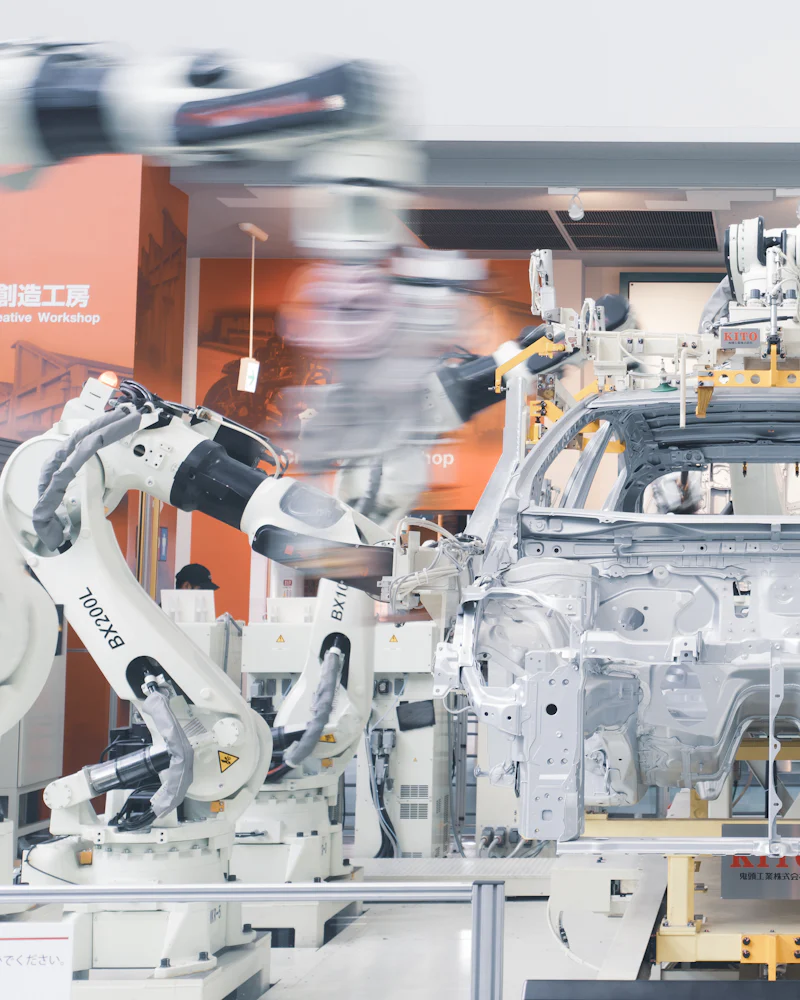
Automotive component ERP software connects OEM schedules, part-wise production, in-process quality and raw material traceability in one system. Instead of juggling Excel sheets, quality registers and phone calls, your team works from one live plan that follows every part from raw material to dispatch.
Pinakexa is an industry-ready cloud ERP for auto component makers, tier suppliers and job shops in India. It runs in a phone browser, so supervisors update the floor while it happens, and owners see schedules, rejections and dispatch without waiting for the evening report.
Key features of auto component ERP
Pinakexa configures these modules around the way your plant already works.
- OEM schedules and delivery: load customer schedules, track revisions and see what is due this week, part by part.
- Part-wise production: plan by part number, operation and machine, and record output and rejection per shift.
- In-process quality: inspection checkpoints at each stage, with rejection reasons recorded on the spot.
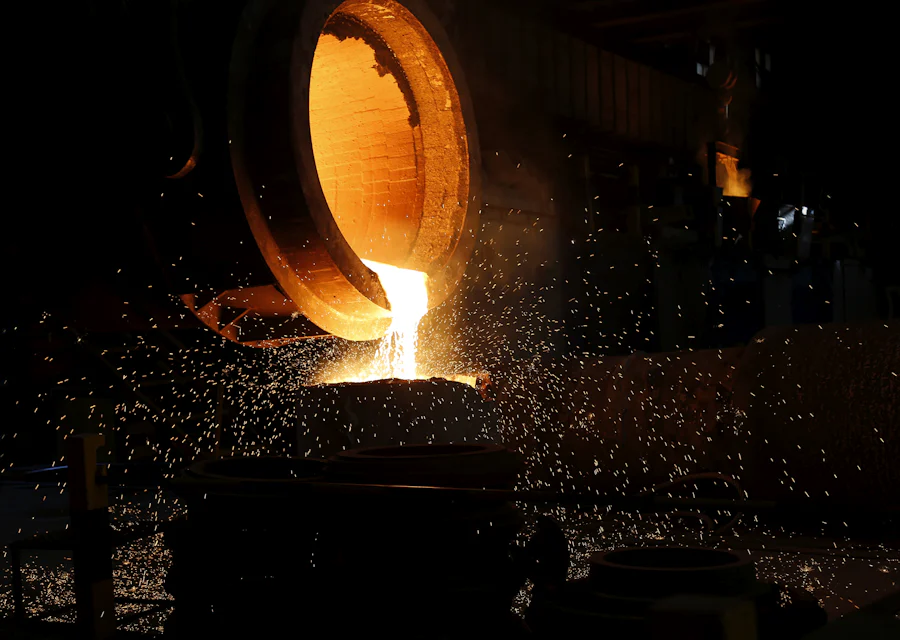
- Batch and heat traceability: link every finished lot back to the raw material heat number and supplier.
- Purchase and inventory: raw material, bought-out parts and consumables with reorder levels.
Benefits for owners and plant heads
- Revised OEM schedules reach the shop floor the same day.
- Defects are caught at the stage where they happen, not at the customer end.
- A traceability query takes minutes instead of days of register searching.
- Clear on-time delivery and rejection reports for every customer review meeting.
Who it is for
Pinakexa suits machining units, sheet metal and pressing shops, forging and fastener makers, rubber and plastic part suppliers, and assembly units that supply OEMs or the aftermarket. Precision shops can also look at our engineering ERP.
How Pinakexa sets it up
We study your parts, routings and customer schedules first. Then we configure part masters, operations and quality checkpoints, import your Excel data, train supervisors and stores staff, and go live in stages. Our ERP implementation plan explains each step.
Excel and registers vs Pinakexa automotive ERP
| Area | Excel & registers | Pinakexa ERP |
|---|---|---|
| OEM schedules | Re-typed after every revision | Revisions tracked, plan updated part-wise |
| Production | Shift report on paper | Live output and rejection by machine |
| Quality | Inspection sheets in files | Stage-wise checks with reasons |
| Traceability | Days of register search | Lot to heat number in a few clicks |
| Stock | Counted at month end | Live raw material and finished parts |
| Dispatch | Matched to schedule by hand | Due versus dispatched, per customer |