
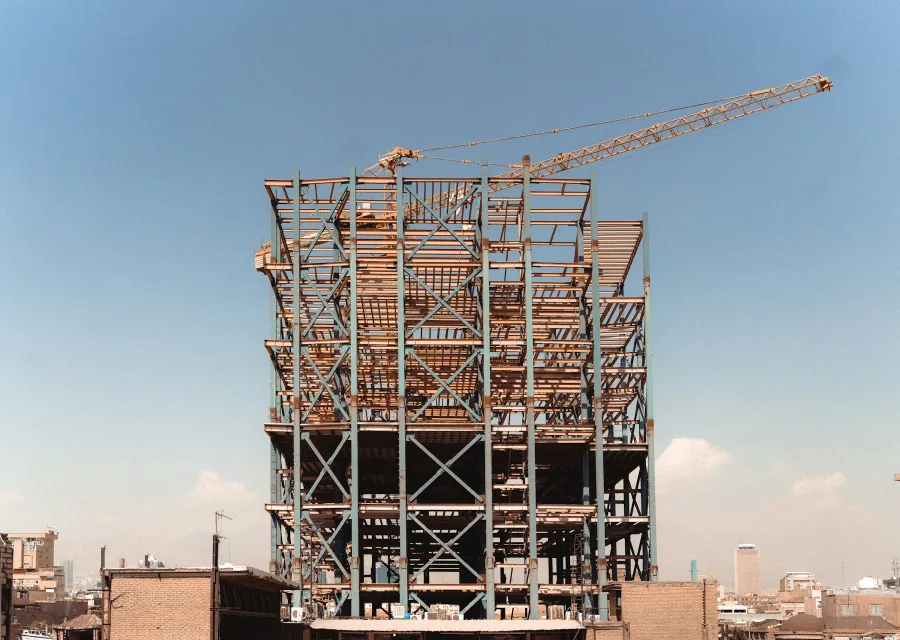
Construction ERP software helps builders and contractors control project cost while the work is still going on, not after it ends. It links the BOQ, purchase, site material, labour, subcontractor bills and running bills to each project. When every rupee spent is booked against a project and a BOQ item, overruns show up early enough to fix.
What construction ERP software India's contractors need
Construction is not like factory work. Every project is different, the work is spread across sites, and much of it is done by subcontractors and daily labour. Material is bought centrally, received at site, moved between sites and sometimes returned. Bills to the client depend on measured work, not on goods dispatched.
That is why construction ERP software in India has to be project-centred. Every purchase, issue, labour entry and bill should carry a project and, where possible, a BOQ item. Generic accounting software records expenses by ledger. It cannot easily tell you that the plastering on Tower B is running over budget because of extra cement and extra labour days.
Pinakexa is an industry-ready cloud ERP that we configure for builders, developers and civil contractors. Site engineers use it from a phone browser, and the owner sees all projects on one dashboard.
BOQ: the backbone of project control
The Bill of Quantities lists every item of work with its unit, quantity and rate. In a construction ERP, the BOQ is not a document that sits in a file. It becomes the budget against which every activity is measured.
For each BOQ item, a good system keeps three numbers side by side: the quantity planned, the quantity executed at site and the quantity billed to the client. The gaps between them tell you a lot.
| Comparison | What a gap tells you | What to do |
|---|---|---|
| Planned vs executed | Work is ahead or behind plan, or quantities were underestimated | Review the estimate and the schedule |
| Executed vs billed | Work is done but not yet claimed from the client | Measure and raise the next running bill |
| Budgeted vs actual cost | Material, labour or subcontract cost is over or under | Find the site, item or vendor causing it |
| Planned vs actual material | Consumption is higher than the norm for the work done | Check wastage, theft or wrong issues |
Items that are not in the original BOQ, such as extra work or variations asked for by the client, should be recorded separately so they can be approved and billed, not lost in general expenses.
Site-wise material control
Material is usually the largest cost on a project, and the easiest to lose. Cement, steel, aggregates, bricks, blocks, pipes and fittings move through many hands. A construction ERP treats each site as its own store.
- Material requests from site: engineers raise a request on the phone, the office approves it and turns it into a purchase order or a transfer.
- Receipt at site: quantity received is checked against the purchase order and delivery challan, with shortages noted.
- Issue to work: material issued against a project, building, floor or BOQ item.
- Transfers between sites: stock moves out of one site and into another, so nothing disappears in between.
- Returns and wastage: unused material and recorded wastage are entered, so balance stock is real.
Once material is booked this way, you can compare actual consumption with the theoretical quantity for the work done. A large difference on one site is a clear signal to check.
Subcontractors and RA bills
Most projects use subcontractors for parts of the work, such as shuttering, steel fixing, plumbing, electrical or finishing. Each needs a work order with scope, rates and terms. Their bills should be checked against measured work, not just accepted.
Running Account bills, or RA bills, work in two directions. You raise RA bills on your client for work done so far, and subcontractors raise RA bills on you. In both cases, the bill builds on the previous one: quantity up to the previous bill, quantity in this bill, and total to date. Deductions such as retention money, advance recovery, material supplied by you and taxes are applied as per the contract.
Construction ERP software keeps this cumulative record, so a subcontractor cannot be paid twice for the same quantity, and your own client bills are never short of the work actually done. Pinakexa configures RA bill formats and deductions to match your contracts during setup.
Labour tracking
Labour is the second big cost on most projects. It comes in two forms: your own workers on attendance, and labour supplied through labour contractors. Both need to be booked against projects.
- Daily attendance by site, entered by the site supervisor from a phone.
- Labour contractor bills checked against headcount or measured work.
- Labour cost per project and, where useful, per activity.
- Overtime and advances recorded so final payments are correct.
Project costing: putting it all together
When material, labour, subcontract, equipment and site expenses are all booked against projects, the owner can finally see true project cost during execution. A simple project cost view looks like this: budget from the BOQ, cost to date, committed cost from open purchase and work orders, and the estimated cost to complete.
This is where construction ERP software pays for itself. A builder who sees that a project is drifting over budget halfway through can still change suppliers, tighten material issues or renegotiate a subcontract. A builder who finds out at handover cannot.
Daily site reports from the phone
Owners of growing construction firms spend a lot of time on the phone asking site engineers what happened today. A daily progress report removes most of those calls. The engineer records work done against BOQ items, labour present, material received and issued, problems faced and a few photos, all from a phone browser at site.
These reports do more than save calls. Work done each day becomes the base for measurement and the next RA bill. Hindrances such as late drawings, client delays or material shortages are recorded with dates, which helps when timelines are discussed with the client later. Over a few months, the reports also build a useful record of how long each type of work actually takes, which makes the next estimate more realistic.
How to choose construction ERP software
- Can it hold your BOQ and compare planned, executed and billed quantities?
- Does every site have its own stock, with requests, receipts, issues and transfers?
- Can it handle subcontractor work orders and cumulative RA bills with your deductions?
- Can site engineers and supervisors use it easily on a phone?
- Does the owner get a budget vs actual view across all projects?
- Can your existing BOQs, items and vendors be imported from Excel?
Bring one live project to every demo and ask the vendor to show it on screen. That quickly shows whether the software fits how you actually build.
Getting started with Pinakexa
Pinakexa studies how you estimate, buy, build and bill. We then configure projects, BOQ formats, sites, approval steps and RA bill formats, import your data from Excel and train office and site teams. Most contractors start with one project, BOQ tracking and site stock, then roll out to all projects.
See the full list of what we configure on our construction ERP page, or book a free demo and bring one of your BOQs to discuss.


