
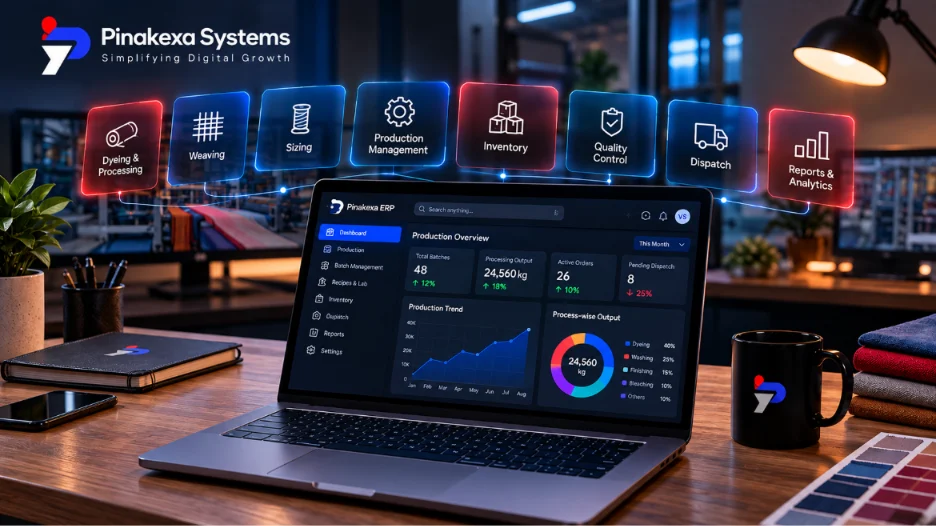
Cloud ERP is safe for Indian businesses when the provider uses encrypted connections, professional data centres, role-based user access, activity logs and automatic off-site backups. In most SMEs this is stronger protection than a single office computer or server, which can crash, be stolen or be locked by ransomware with no recent backup. The key is to choose a provider who answers security questions clearly and in writing.
Why owners worry, and what is actually risky
The common worry is "my data is on someone else's computer". In practice, most data loss in small businesses comes from local causes: a hard disk failure, a virus, a stolen laptop, an employee leaving with files or a backup that was never tested. Cloud ERP removes many of these risks, but it brings its own: weak passwords, too many people with full access and a provider with poor practices. Each can be managed.
Security features to expect
- Encryption in transit: HTTPS on every page, so data cannot be read on the way.
- Role-based access: each user sees only what their job needs, such as stores not seeing profit margins.
- Activity and edit logs: who created, changed or deleted each record, and when.
- Automatic backups: daily at least, stored separately from the main server, with tested restores.
- Strong login controls: strong passwords, optional two-step verification and auto logout.
- Data export: you can download your data in a standard format at any time.
- Regular updates: security patches applied by the provider without your effort.
Cloud ERP vs office server: a fair comparison
| Risk | Office server or PC | Well-run cloud ERP |
|---|---|---|
| Hardware failure | Data at risk if backups are missed | Handled by the data centre |
| Theft or fire | Data lost with the machine | Data stored off-site |
| Ransomware | Common target in SMEs | Off-site backups allow recovery |
| Security patches | Depends on someone remembering | Applied by the provider |
| Access control | Often shared logins | Named users with roles |
| Internet dependence | Works offline in office | Needs internet (keep a backup line) |
India's data protection law
The Digital Personal Data Protection Act, 2023 governs how businesses handle personal data, such as customer contacts, employee records and worker details. As the business, you remain responsible for that data, and your ERP provider processes it on your behalf. Ask your provider how they protect personal data, how they handle a breach and where data is stored. Use access roles so that personal data is visible only to those who need it.
Security questions to ask every cloud ERP vendor
- Where are your servers, and is data stored in India?
- How often are backups taken, where are they kept and when did you last test a restore?
- Can we set roles so each user sees only what they need?
- Is there an edit log of every change? Can it be switched off?
- Do you support two-step login?
- Who in your company can access our data, and how is that controlled?
- How will you inform us of a security incident?
- How do we export all our data if we leave, and in what format?
Your side of the job
The provider protects the platform. You protect the doors. Give every person their own login, remove access the day someone leaves, use strong passwords, keep roles tight and review the activity log now and then. These simple habits close most real-world gaps.
Pinakexa runs on secure cloud infrastructure with HTTPS, role-based access, activity logs and automatic backups. Read the complete guide to cloud ERP software for Indian industries or book a free demo and ask us any of the questions above.


